How do I convert a layered sewing pattern PDF to DXF AAMA?
Choose one size from a layered one-sheet PDF and export separate cutting pieces at millimetre scale.
- Open the full-size, single-sheet vector pattern PDF.
- Enter the exact size layer name and check the resulting pieces and marks.
- Save the AAMA DXF, choose millimetres on import, and check scale before cutting.
Take one size into pattern CAD
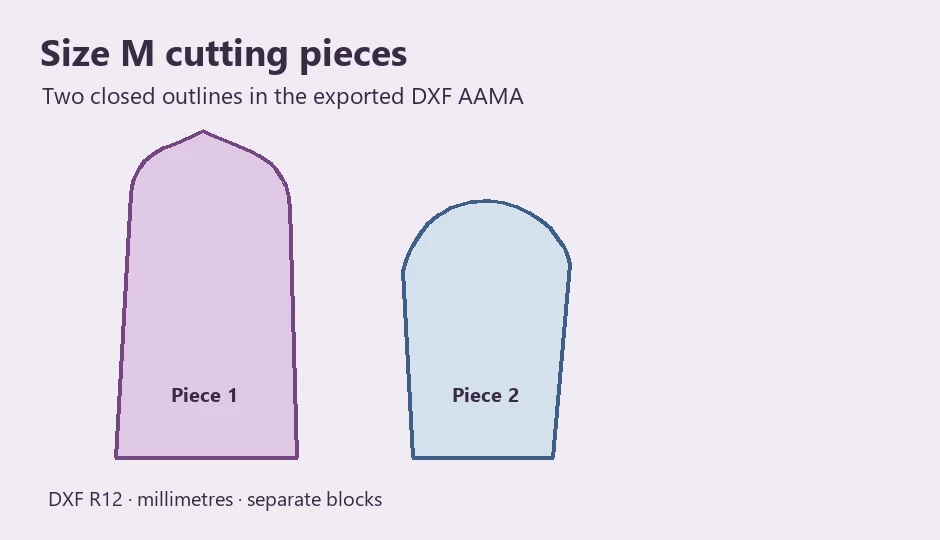
The studio sample produces two cutting pieces with two grainlines and two notch points. The DXF preserves drawing scale in millimetres.
Supported files
Uses closed outlines from a named size layer on one unrotated vector PDF. Shared grainline and notch layers are supported. Curves are sampled into DXF polylines.